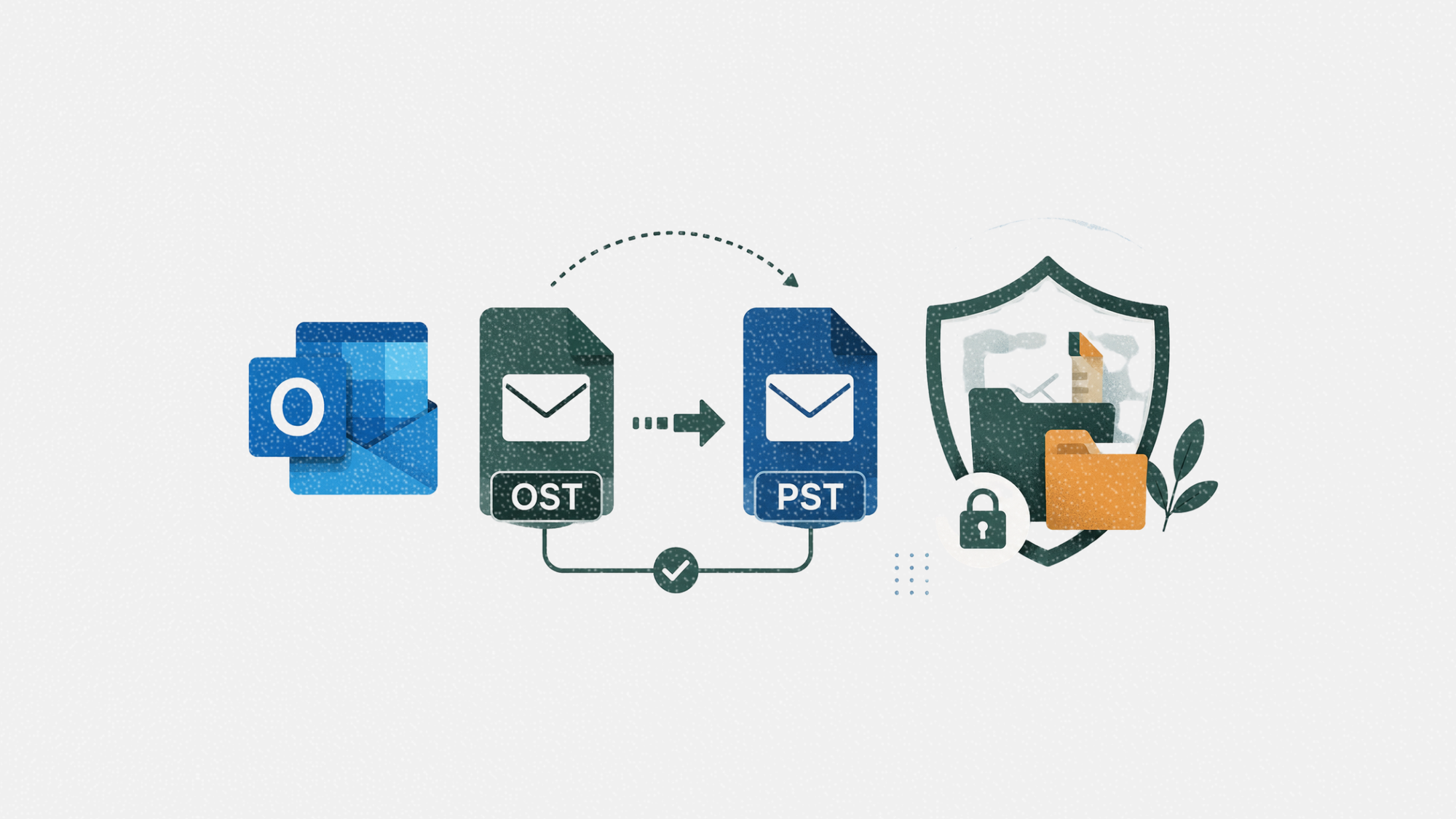
Microsoft Outlook remains one of the most widely used email platforms in businesses, but managing Outlook data files can become challenging when users switch devices, migrate mailboxes, or encounter corrupted profiles. One of the most common tasks in these situations is converting an Outlook Storage Table (OST) file into a Personal Storage Table (PST) file.
Understanding when and how to perform this conversion can help IT teams reduce downtime, preserve important business communications, and avoid unnecessary data loss.
Table of contents
Jump to each section:
- What are OST and PST files?
- Why businesses need to convert OST to PST
- Common challenges during OST to PST conversion
- Choosing the right OST to PST conversion solution
- Best practices before converting Outlook data
What are OST and PST files?
Microsoft Outlook uses two primary file formats to store mailbox data.
An OST (Offline Storage Table) file is a synchronized offline copy of an Exchange, Microsoft 365, or IMAP mailbox. It allows users to continue reading and composing emails even when they are disconnected from the internet. Once connectivity is restored, Outlook synchronizes the changes with the mail server.
A PST (Personal Storage Table) file, on the other hand, stores Outlook data independently. PST files are commonly used for local archives, backups, exporting mailboxes, or moving email data between computers.
Because PST files are portable, they are often the preferred format when users need to migrate Outlook data or recover information from an inaccessible mailbox.
Why businesses need to convert OST to PST
There are several situations where converting an OST file becomes necessary.
- Mailbox migration
Organizations moving employees to new devices or transitioning between email environments often need to export mailbox data into PST format for easier transfer.
- Corrupted Outlook profiles
If an Outlook profile becomes damaged or inaccessible, the OST file may still contain valuable emails, contacts, calendars, and attachments that need to be recovered.
- Employee offboarding
IT teams may need to archive mailbox data for compliance, legal, or record-keeping purposes before decommissioning user accounts.
- Exchange server issues
Unexpected server failures or synchronization problems can sometimes leave organizations relying on locally cached OST files as the only available copy of certain mailbox data.
Common challenges during OST to PST conversion
Although converting Outlook data sounds straightforward, several challenges can complicate the process.
- Orphaned OST files
OST files are normally tied to the Outlook profile that created them. If the original Exchange account is unavailable or has been deleted, accessing the mailbox contents can become significantly more difficult.
- Corrupted mailbox data
Hardware failures, synchronization interruptions, or unexpected shutdowns may corrupt OST files, making them difficult to open or export without specialized recovery methods.
- Large mailbox sizes
Enterprise mailboxes often contain tens or even hundreds of gigabytes of email. Large OST files can increase processing time and require tools capable of handling substantial datasets without corruption.
- Preserving mailbox structure
Maintaining folder hierarchy, attachments, contacts, calendar entries, and metadata is important during migration to ensure users can continue working without missing information.
Choosing the right OST to PST conversion solution
The appropriate conversion method depends on the condition of the OST file and the organization’s recovery requirements.
When evaluating an OST to PST Converter Tool, consider features such as:
- Support for large OST files
- Preservation of folder hierarchy and metadata
- Recovery of deleted mailbox items where possible
- Preview capabilities before export
- Batch conversion for multiple mailboxes
- Compatibility with recent Outlook versions
For organizations handling critical business data, these capabilities can help reduce migration risks while improving operational efficiency.
If you only need to convert a small OST file quickly, a free OST to PST converter online may also be a practical option. Stellar’s online converter allows users to upload and convert eligible OST files directly through a web browser, subject to the applicable file size limits. This can be a convenient choice when installing desktop software is unnecessary or when a quick conversion is sufficient.
Best practices before converting Outlook data
Following a few best practices can help minimize the risk of data loss during conversion.
- Back up the original OST file
Always keep an untouched copy of the original mailbox file before beginning any conversion process.
- Verify available storage
Ensure sufficient disk space is available for the exported PST file, particularly when working with large mailboxes.
- Validate the exported mailbox
After conversion, confirm that emails, folders, attachments, contacts, and calendar items have been successfully transferred.
- Secure archived mailbox data
Since PST files often contain sensitive business communications, they should be stored securely and included in appropriate backup policies.
Converting OST files to PST is a common requirement for organizations managing Outlook migrations, mailbox recovery, and long-term email archiving. While the process is generally straightforward, corrupted files, orphaned mailboxes, and large datasets can introduce unnecessary complexity if not handled carefully.
By understanding the common challenges and selecting a solution that matches your organization’s needs, IT teams can preserve important business data while minimizing downtime. Whether using a dedicated desktop converter for larger recovery projects or an online converter for smaller files, planning the conversion process in advance helps ensure a smoother Outlook migration experience.